
Name-Based Case Searches
Start at the North Carolina eCourts Portal. Pick Smart Search. Type a party name or case number, and choose Anson as the location. The detail view is called the Case Summary or Register of Actions. It can show the case's identity, public parties, events, hearings, dispositions, eligible public documents, and applicable financial information.
Keep an Anson name search wide enough to catch the right person. Keep it tight enough to skip unrelated matches. Before trusting a hit, check the case information and the assignment. Smart Search itself is free. Registering lets you save a matter in My Cases, but it grants no extra reach into sealed or confidential Anson files.
- Open the Portal, choose Smart Search, and set the location to Anson for an Anson docket search.
- Enter the party name or a known case number in the Smart Search input.
- Use Advanced Filtering Options only when a location, case type, filing date, or status will separate similar Anson results.
- Open the matching Case Summary and confirm the case number, parties, and assignment before reading Case Events, Hearings, and Dispositions.
Remember what an online hit is: a reference to an Anson court case. For an official copy, an image the screen does not display, or a current payoff, go to the Anson County Clerk of Superior Court.
| Field Label | Type | Required | Notes |
|---|---|---|---|
| Smart Search input | Text | Yes | Accepts a case number or party name in the default Anson search flow. |
| Filter by Search Type | Dropdown | No | Offers Case Number, Party Name, Business Name, Citation Number, Attorney Name, Attorney Bar Number, Case Cross-Reference Number, and Nickname. |
| Location | Dropdown | No | Select Anson to narrow a statewide search to an Anson case. |
| Case type, status, filing date | Advanced filters | No | Use only to distinguish an Anson result; individual live values were not independently captured. |
Anson Docket Search Location Filter
The Location control turns a statewide Smart Search into a true Anson docket search. Set it before treating a common-name hit as local. Advanced filters add more control. Choose a search type, add Party Search Criteria, or add Case Search Criteria. The Portal's published categories cover Civil Actions, nonconfidential Special Proceedings, Estates, and Criminal Actions. Subcategories can change, so read the choices the Portal actually offers instead of assuming them.
The Judicial Branch Portal training page spells out the Smart Search fields. It also covers the case-number guidance that applies to Anson.
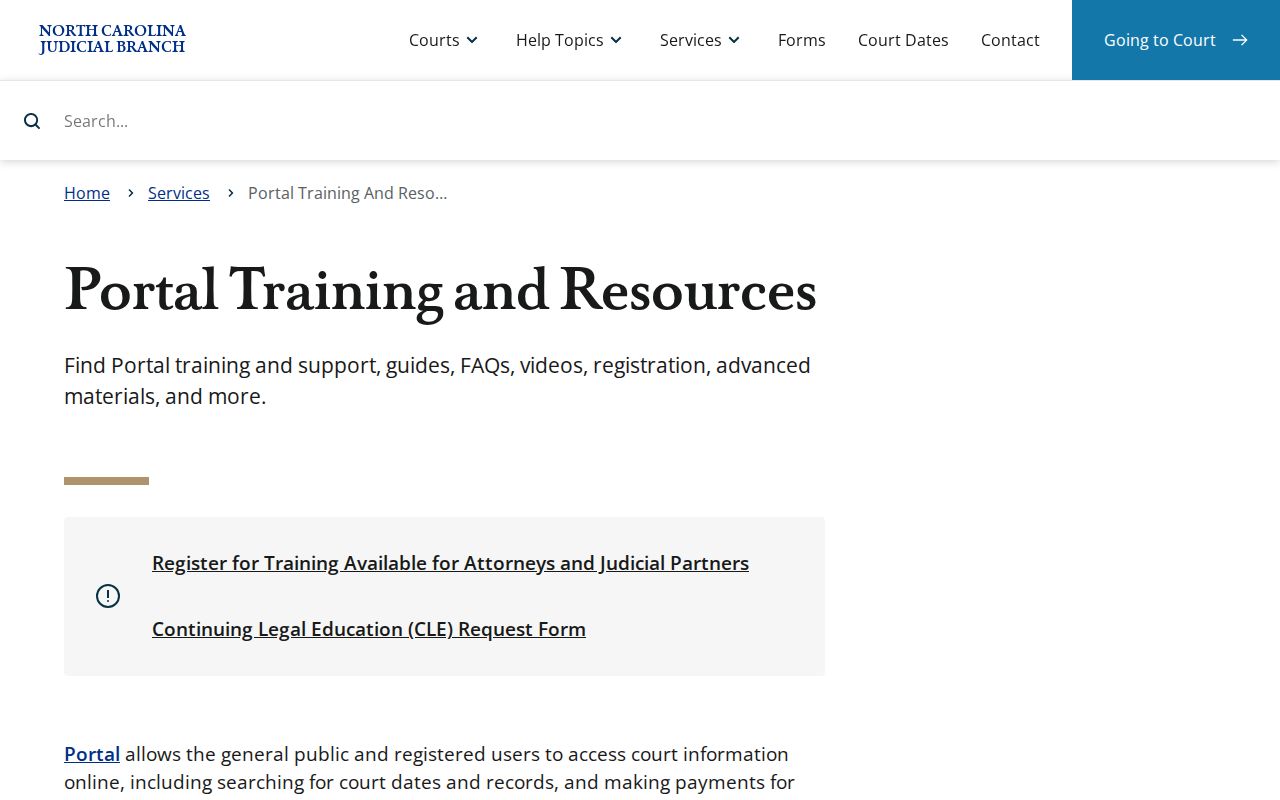
The field layout rewards care. Enter the name or number, select Anson, and apply only the filter that answers your question. No filter can open a file the court keeps from public view.
Anson Docket Search Wildcards
Wildcards rescue an Anson search when a name is incomplete or a spelling is shaky. Official Portal training requires at least three characters of the last name before an asterisk. A first name needs just one character plus the asterisk. A bare asterisk will not run, and neither will a one-character last name. That floor keeps an Anson docket search narrow enough for the public system to handle.
Try the exact spelling first when you know it. Too many results? Narrow with the location, a date range, or a case type. If nothing comes back, double-check the person's known name and the Anson location. Only then move to the Clerk terminal. A blank result can stem from several causes. It never proves a court record never existed.
Case Number Searches
For speed, nothing beats a case number in an Anson docket search. Odyssey numbers run two-digit year, a letter case type, and a six-digit sequence. A hyphen follows, then a three-digit county identifier. Anson's identifier is 030. A generic criminal example is 26CR000001-030; a generic civil one is 26CV000001-030. Neither points to a real Anson case.
Type the known number exactly as written. Wildcard searching by number demands at least four characters before an asterisk. Some older converted civil matters still carry labels like CVD, CVM, or CVS. A Family Court sample such as 00-CVD-0123 is not a universal Anson Portal rule. When an exact number fails, confirm the format and location with the Anson Clerk. Do not guess at its pieces.
Anson Docket Search Number Parts
Every piece of a generic Anson number has its own job. Two digits give the year. Letters mark the case type. Six digits form the sequence. The three after the hyphen name the county. In 26CR000001-030, the state explanation reads CR as a criminal case type, while IF marks an infraction-only case. A ticket with criminal counts can carry CR rather than IF. The county suffix never identifies a person or reveals how an Anson case ended.
- Case Summary / Register of Actions
- The Anson Portal activity index for public case information. It is not the official record.
- Case Events
- The chronological activity feed shown for an Anson case.
- Hearing
- A listed court setting, searchable through the separate Search Hearings tool.
- Disposition
- The recorded result or status displayed for the case or charge.
- Financial Information
- Applicable public money fields, which should be confirmed with the Anson Clerk when current figures matter.
Knowing this vocabulary helps an Anson searcher read the record without inventing a meaning the Portal never provides.
Anson Docket Search After eCourts
Anson moved onto eCourts on October 14, 2024. That switch came with Track 6. The state gave Anson three tools under Enterprise Justice. They were Odyssey Portal, eCourts File & Serve, and the underlying case system. The transition notice told the public to use Portal for indexes, abstracted information, and documents, not the legacy systems. So anyone running an Anson County court docket search may still find older instructions. They may also find older records that look nothing like a current Portal result. eCourts File & Serve is the official filing channel tied to that transition.
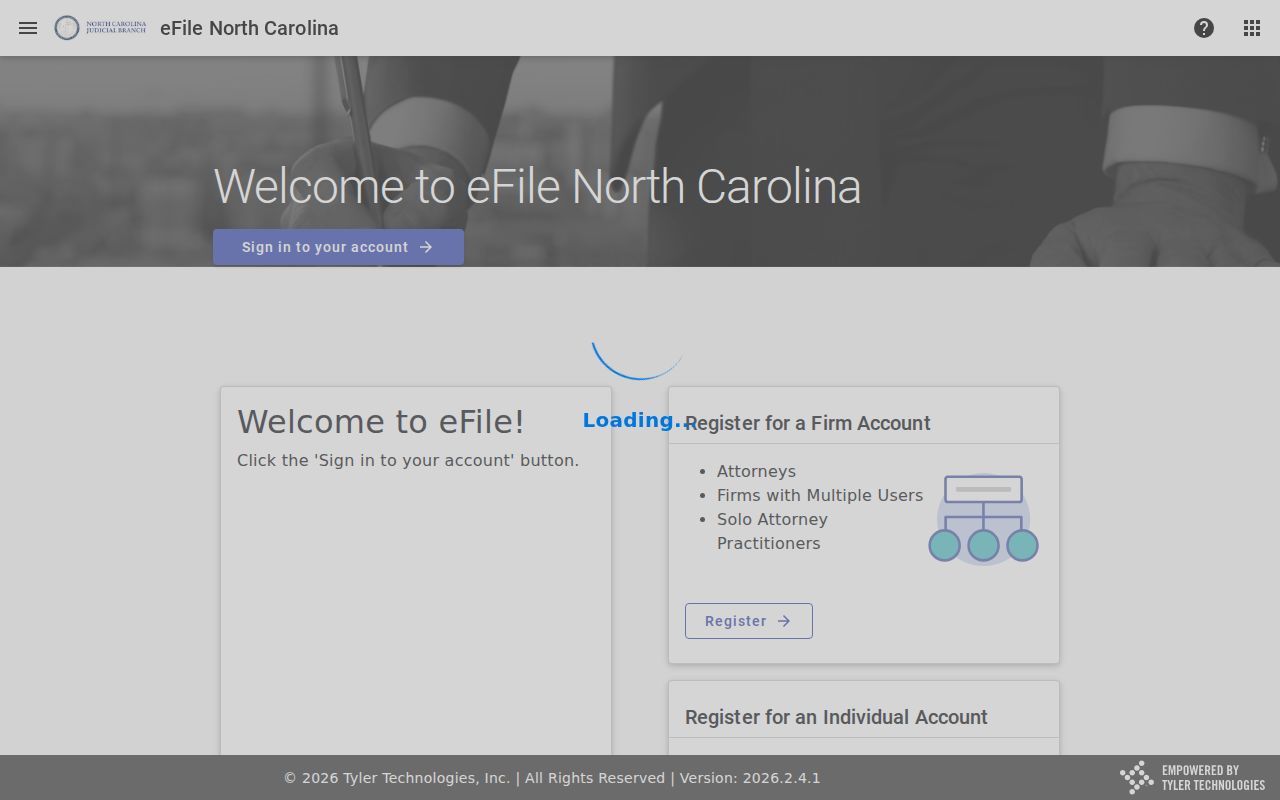
One caution is worth making. File & Serve handles e-filing, not public docket lookup, so it is no replacement for Anson Smart Search. For older Anson civil research, the State Archives finding aid covers county materials from 1759 to 1960. That includes civil issue dockets from 1888 and 1892. Ask the Archives or the Clerk rather than assuming Portal reaches every historic court record.
Case Search Results Explained
An Anson result opens with identity and location basics. From there the court record unfolds in order. Case information and assignment come first. Parties follow. Causes of Action appear where applicable. Case Events, Hearings, Dispositions, and Financial Information come after. Reading in sequence keeps a filing date from being mistaken for a hearing date. It also keeps an event from reading as a final outcome. The Anson Case Summary may carry a public document link. Remember that the underlying document and an official copy are two different records.
| Case Number | The displayed Odyssey identifier, such as a generic 26CV000001-030 format for an Anson case. |
|---|---|
| Case and Assignment Information | Public identity, status, assignment, or location details for the Anson matter. |
| Party Information | Public party information subject to the record’s access restrictions. |
| Case Events and Hearings | The activity timeline and listed settings. Check later entries before relying on an older Anson setting. |
| Dispositions and Financial Information | Recorded result and applicable money fields. Confirm an official record or current amount with the Anson Clerk. |
The Portal Advanced User Guide lays out the public field inventory, using its own official illustrations instead of any live private Anson case.
Anson Docket Search Detail Read
Read the Anson detail screen top to bottom. That habit guards against a common error. It stops you from treating the first date you see as the live court date. Case Events are historical activity. Hearings hold the separate setting information. Dispositions are recorded outcomes, not predictions of what happens next. Financial Information may appear even though Portal cannot replace the Anson Clerk. The Clerk still handles a current payoff, a certified record, or a full file review. Before reading any event, tie the case back to the correct Anson case number and parties.
When the only question is when and where an Anson matter is set, use Search Hearings. Its fields cover the Anson location, a search type, and a matching term. A date-from control is required. A date-to control is optional. The Anson civil and criminal calendar routes sit on separate dynamic pages. If a change leaves the Portal and a calendar in doubt, call the Anson Clerk at (704) 994-3800. Or call the right court office.
Anson Docket Search Result Cap
A broad search returns no more than 200 results. That cap bites hardest when an Anson party name is common. It is not the total number of Anson records. It is a prompt to refine the query. Confirm Anson as the location first. Then apply the minimum wildcard rule, a case type, a case status, or a filing-date range if the known facts support one. Skip filters built on guesses, because an unnecessary filter can bury the correct Anson result.
If the docket search still floods the screen, an exact case number is the best key. Without it, try the Clerk terminal. It can search criminal records by defendant name or case number. It also opens access channels for civil, special-proceeding, and estate information. The Clerk file is also where you inspect a paper record held in Anson.
Note: the 200-result cap is only a display limit. Narrow with verified Anson case details rather than guessing.
Two Ways to Search: County and State
Anson has no separate legacy county case-search site as its public starting point now. The North Carolina eCourts Portal is the statewide layer. The Anson Location filter turns it into the practical county route. Smart Search supplies the Anson Case Summary. Search Hearings gives a date-focused Anson lookup. The Anson civil and criminal calendars add posted schedule routes. The Anson Clerk supplies the official file, counter access, terminal access, and certified copies.
| Statewide Portal Layer | Anson County Access Layer |
|---|---|
| Searches public participating-county data through Smart Search and Search Hearings. | Use the Anson Location filter, Anson calendars, and the Anson Clerk for the local court record path. |
| Shows available public Case Summaries, events, hearings, dispositions, and eligible documents. | Provides the Clerk terminal, paper or electronic file inspection, official copies, and certification. |
| Best for beginning a known case, name, number, or hearing search. | Best for an Anson record that needs verification, an official copy, older material, or a Portal fallback. |
These tools complement each other. Portal is not the official Anson court record, and the Clerk is not replaced by a Portal printout.
Anson Docket Search and Judgment Index
The Portal also offers an NC Judgment Search. Treat it as a separate reference index, not a Smart Search substitute. It can return a case number, disposition status, index date and time, parties, and judgment comments. For the fuller public timeline of an Anson case, the Anson Case Summary is the route. A judgment-index result does not establish the current payoff or yield a Clerk-certified judgment. For those, contact the Anson Clerk.
The difference matters once a public Anson case needs more than a quick index lookup. Read the Case Summary for events, hearings, and disposition information. Then use the Clerk's record channel for the official document or a certified copy. An index result is never a complete Anson case file.
Which Cases Stay Restricted
Not every Anson County court docket is open to the public. G.S. 7A-109 lets people inspect the files, dockets, and indexes the Clerk keeps. Access ends only when a law bars it. Some records are off limits. Juvenile files stay closed under G.S. 7B-3000, apart from what that statute or a court order permits. The Portal FAQ puts it plainly. Sealed and confidential cases, documents, and data stay hidden from every user. Signing up for a public account does not change these Anson rules.
A domestic-violence case in Anson County can be public on paper yet limited online. Certain data gets shielded from view. Expunction works differently. That is its own legal process with requirements that vary by category. It is not something a Portal search will hand you. When an Anson case does not come up, check the number, the spelling, and the county first. The case may simply be restricted, not yet indexed, historic, or missing. Ask the Anson Clerk next. A different type of public search is not the lawful answer.
Anson Docket Search Clerk Fallback
The Anson County Clerk of Superior Court keeps the official record. It covers Anson Superior Court and District Court cases. Portal is a good first stop, but the Clerk is the fallback that always works. Turn to the Clerk when Portal returns nothing. Go there too when the public result lacks the record you need, or when the case sits in an older paper file. Certified copies are another reason. The Anson County Courthouse sits at 114 N. Greene St., Wadesboro, NC 28170. Call the Clerk at (704) 994-3800. Published hours run Monday through Friday, 8:30 a.m. to 5 p.m.
Inside the office, per the Judicial Branch, there is a public self-service terminal. It searches criminal records by defendant name or case number. It also reaches civil, special-proceeding, and estate information. You can inspect an Anson public record in the Clerk file itself. The state's court-records instructions draw a useful line. A transcript takes a separate path. It moves through a court reporter or transcription process. Clerk copies and certifications, though, are Clerk services.
Need a certified document for an Anson case? Copy fees and certification rules apply under G.S. 7A-308. Portal can lay out the public timeline of a case. The Clerk still holds the official Anson record.